


Digital pressure calibrator is an instrument used for measuring and verifying pressure, widely used in industry, laboratories, and other fields. This operation manual aims to introduce the usage method and precautions of the digital pressure calibrator to users, in order to ensure correct operation and accurate measurement. Please read the following article carefully.
Product Overview:
The digital pressure calibrator is a precision instrument that uses advanced sensing technology and a digital display screen to quickly and accurately measure pressure values. Its main characteristics are as follows:
1. High precision: The digital pressure calibrator has high-precision measurement capabilities, which can meet various types of pressure force measurement requirements.
2. Easy to operate: The instrument is easy to operate, and users only need to follow this manual to operate.
3. Multifunctional: The digital pressure calibrator has multiple measurement modes and unit options, which can adapt to different application scenarios.
4. Data recording: The instrument can record measurement data and support data export and printing.
Operating Steps:
1. Instrument connection: Connect the digital pressure calibrator to the measured pressure device to ensure connection Stable and reliable connection.
2. Turn on the power: Insert the power cord and turn on the power switch. After the instrument is started, enter Standby mode.
3. Select measurement mode: Select the appropriate measurement mode according to the characteristics of the pressure device being measured, such as pressure sensors, pressure gauges, etc.
4. Set measurement unit: Select appropriate pressure units as needed, such as Pascal (Pa) Bar, kPa, etc.
5. Start measurement: Press the measurement button, the digital pressure calibrator will start measuring and complete the measurement The results are displayed on the digital display screen.
6. Record data: Users can record measurement results as needed, and the instrument will also automatically Dynamic recording data.
7. End measurement: After the measurement is completed, press the stop button and the digital pressure calibrator will stop Measure and retain the last measurement result.
8. Turn off the power: After the measurement is completed, turn off the power switch in a timely manner and unplug the power cord.
Precautions:
1. Operating environment: The digital pressure calibrator should be in a dry, non corrosive indoor environment Used in, to avoid the influence of moisture and corrosive substances.
2. Avoid vibration: During use, severe vibration and collision should be avoided to avoid affecting measurement accuracy degree and instrument lifespan.
3. Regular calibration: To ensure the accuracy of measurement, it is recommended to regularly calibrate the digital pressure calibrator Perform calibration to avoid error accumulation.
4. Protective measures: During use, attention should be paid to preventing the instrument from being impacted by excessive pressure, To avoid damage to the sensor and instrument itself.
5. Cleaning and maintenance: Regularly clean the instrument casing and maintain good ventilation of the instrument to avoid dust dust and impurities enter the interior of the instrument.
The digital pressure calibrator is a powerful and easy to operate instrument. Through this operating manual, users can learn about the usage methods and precautions of the digital pressure calibrator. Correctly operating a digital pressure calibrator can accurately measure pressure values, improve work efficiency, and ensure product quality. I hope this manual can be helpful for users' work and learning. If you have any questions, please contact after-sales service promptly.


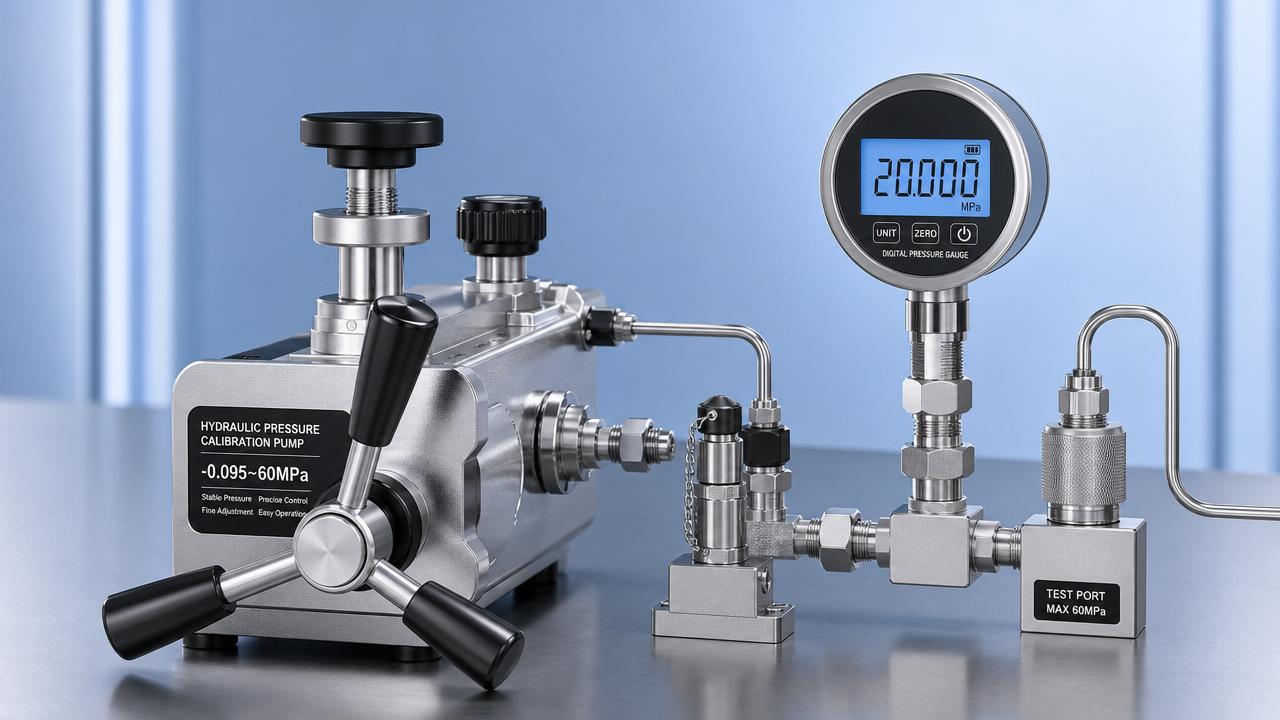
 How to Read Hydraulic Calibration Pump Specifications CorrectlyHydraulic calibration pump specifications explained clearly: learn how to assess pressure range, stability, fine control, and compatibility to choose the right pump with confidence.
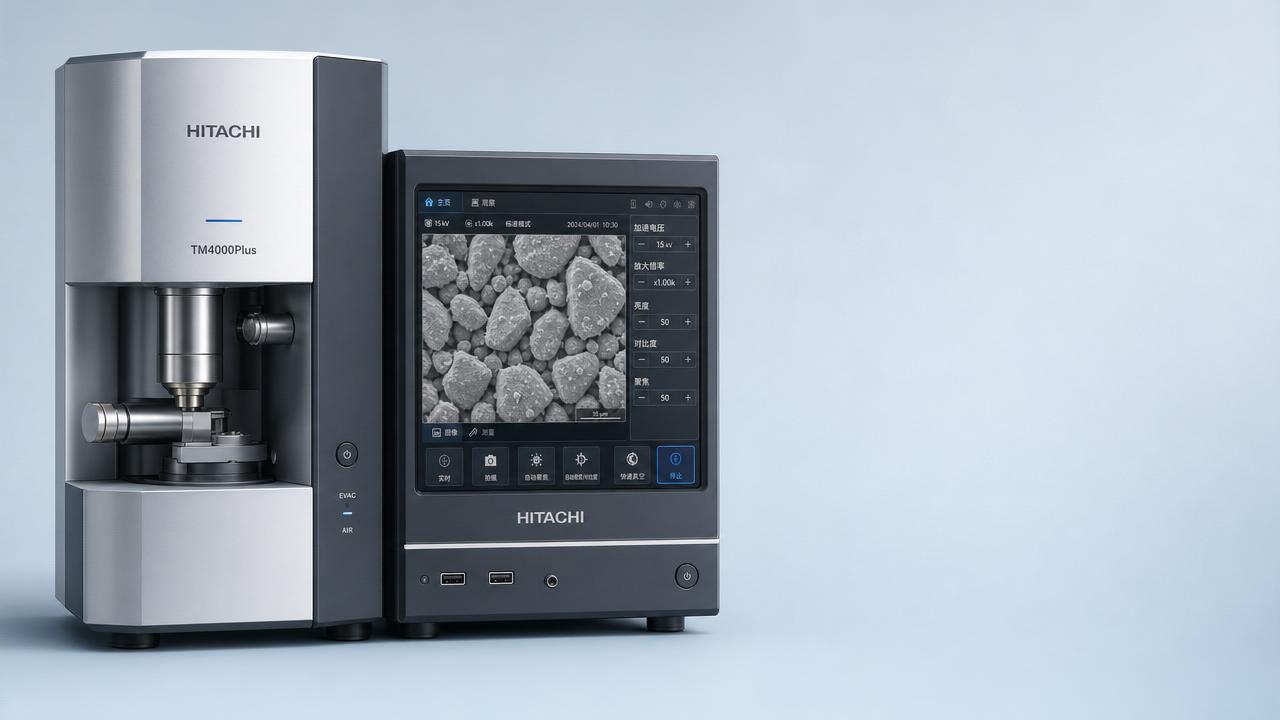
 Hitachi Benchtop SEM Sales Surpass 6,000 Units GloballyHitachi benchtop SEM sales exceed 6,000 units globally—driven by intuitive UIs, cryogen-free operation & one-click EDS. Discover why labs worldwide are choosing accessibility without compromise.
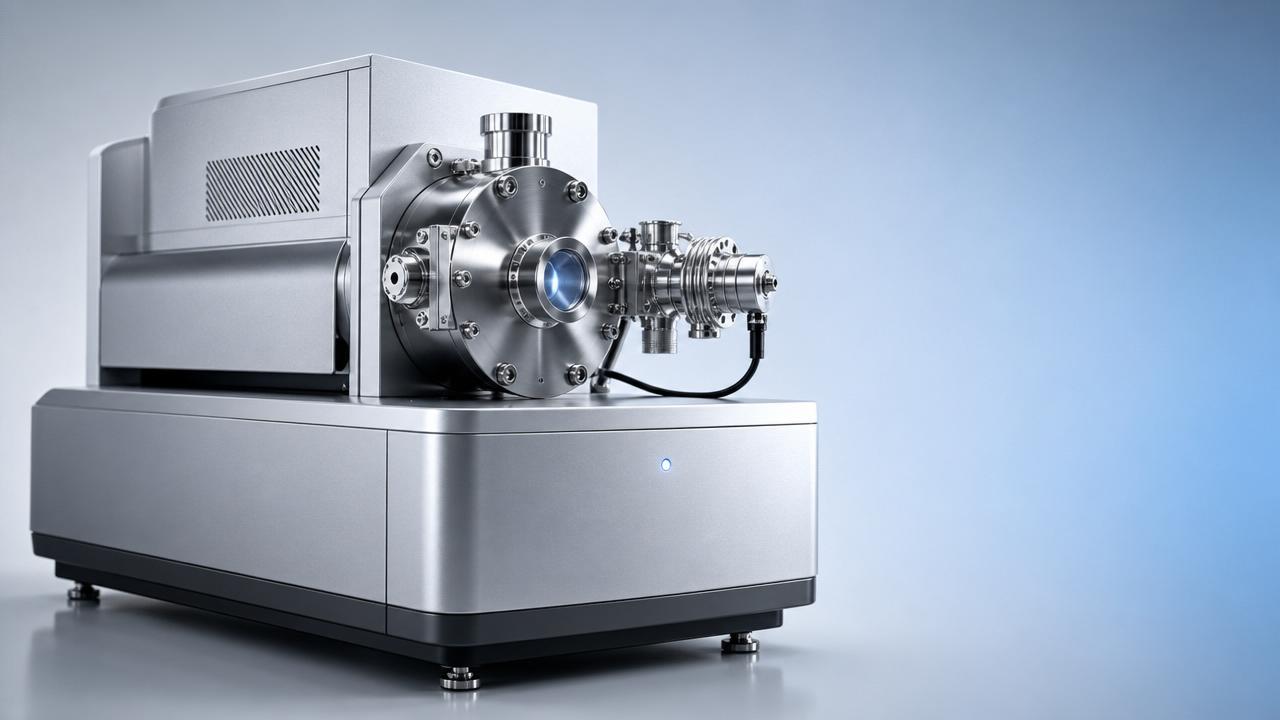
 First Domestic High-Resolution GD-MS Delivered CommerciallyGD-MS 3000: First domestic high-resolution GD-MS commercially delivered to Germany — validating trace impurity analysis for EU RoHS/REACH compliance in metals & semiconductors.
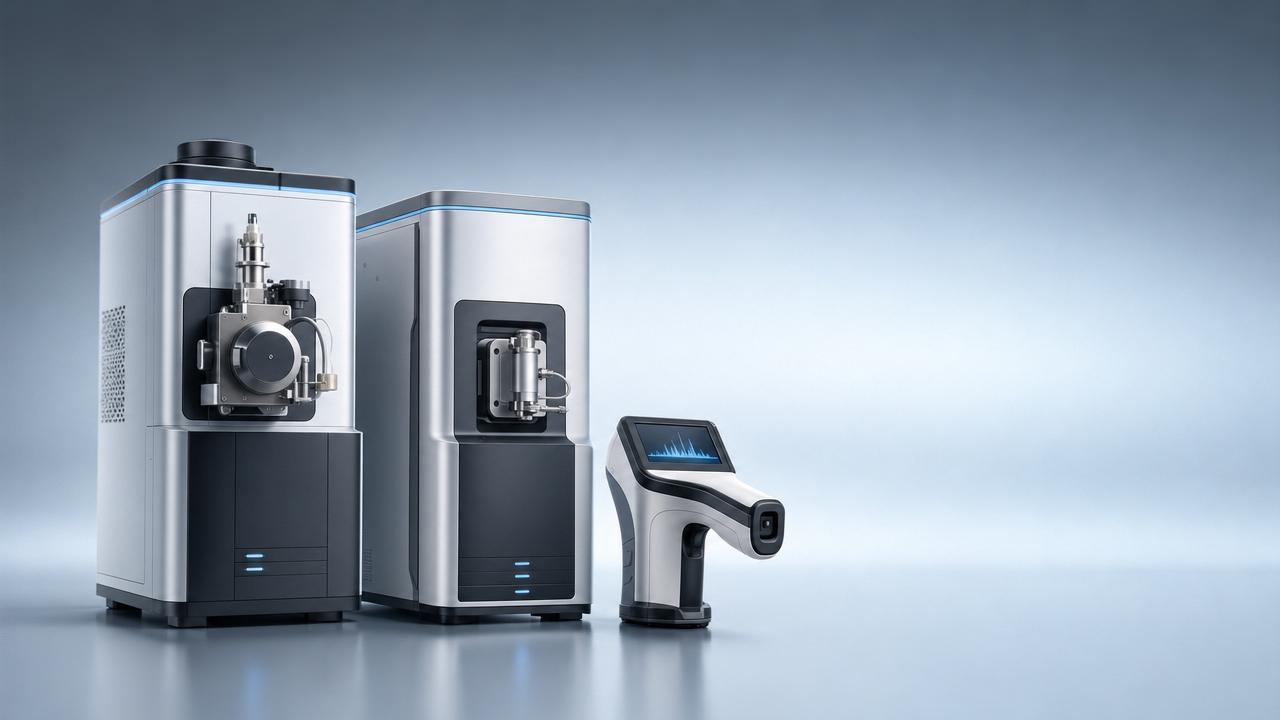
 CISILE 2026 Pre-Show Orders Exceed RMB 1.2B; Domestic Mass Spectrometers, Raman Spectrometers Gain TractionCISILE 2026 pre-show orders exceed RMB 1.2B—Chinese mass spectrometers & Raman spectrometers surge in global demand. Discover key export insights now!
![]() Laowa APS-C Fisheye Lens Launch: Industrial Imaging Export ExpansionLaowa APS-C fisheye lens launch: world’s first zoom fisheye for industrial imaging, VR capture & drone surveying — precision optics export expansion.
Laowa APS-C Fisheye Lens Launch: Industrial Imaging Export ExpansionLaowa APS-C fisheye lens launch: world’s first zoom fisheye for industrial imaging, VR capture & drone surveying — precision optics export expansion. MIIT Approves 690 New Industry Standards, Including AI Deep Synthesis Image System SpecificationMIIT's new AI Deep Synthesis Image System Specification impacts instrument manufacturers—learn how it affects smart gauges, thermal imagers & spectrometers for global markets.

Chat Online