


How do you safely upgrade a pressure transmitter firmware?
Safely upgrading a pressure transmitter firmware usually means treating the update as a controlled maintenance task, not a quick software refresh. In most cases, you should only proceed after confirming device compatibility, backing up current configuration, checking process risk, planning rollback options, and arranging a safe test or maintenance window. If any of those conditions are unclear, postponing the upgrade is often safer than forcing it.
This matters because a firmware change can affect measurement stability, communication behavior, alarm logic, calibration handling, or integration with the control system. The real decision is not simply whether an update exists, but whether the expected fix or function is worth the downtime risk, validation effort, and possible rework if the transmitter does not return to service exactly as before.
When is it worth upgrading firmware, and when is it better to wait?
Whether a firmware upgrade is worth doing mainly depends on the reason for the change; if the update solves a known fault, compatibility issue, or security concern in your actual operating environment, it is usually more justified than an upgrade done only because a newer version is available.
A common mistake is to treat firmware currency as a goal by itself. For pressure transmitters already operating stably in a validated process, an unnecessary update can create avoidable work, such as communication remapping, output verification, documentation revision, or renewed loop testing. In regulated or tightly controlled plants, the review burden may be as important as the technical change.
It is often better to wait if the current device is stable, the supplier documentation is incomplete, the plant cannot support a controlled outage, or the update introduces changes that have not been evaluated against your control system, host software, or site procedures.
What must be confirmed before touching the transmitter?
If the goal is a safe upgrade, then the essential pre-checks are device identity, firmware package match, power stability, communication path, configuration backup, and process impact; if any one of these is uncertain, the upgrade should usually not start.
You need to verify the exact model, hardware revision, installed firmware version, communication protocol, and approved update method. Pressure transmitters that look similar may still differ in electronics, supported firmware branches, or tool requirements. A firmware file that is valid for one revision may be unsuitable for another.
You also need to capture the current state before the change. Common practice is to record range settings, damping, tag data, output mode, alarm settings, digital communication parameters, calibration-related values if applicable, and host-side mappings. The purpose is simple: if the transmitter powers up differently after the upgrade, you need a reliable baseline for restoration and comparison.
Which risks create the most rework after a firmware upgrade?
The biggest rework usually does not come from the upload itself, but from changes discovered afterward in configuration, communication, output behavior, or validation records that were not checked before restart.
In many projects, the costly failures are subtle. The transmitter may power on, but a distributed control system may no longer read it correctly. A digital variable assignment may change. A write-protection setting may behave differently. Alarm direction or analog fail-safe behavior may need reconfirmation. If these checks are left until the process is ready to start, the maintenance task can expand into a troubleshooting event.
Another common source of rework is missing documentation. If you cannot show what version was installed, what parameters were preserved, and what post-upgrade tests were performed, you may need to repeat verification work later. That burden is often heavier in pharmaceutical, chemical, and critical utility environments.
What should be done before the shutdown window, and what can wait until after?
What needs to be done in advance mainly depends on whether the transmitter is in a critical loop; for most operating sites, compatibility review, backup, tool preparation, and rollback planning should be completed before shutdown, while final functional confirmation belongs after the device is back online.
Pre-shutdown work usually includes collecting device data, downloading the correct firmware package, confirming update instructions, checking whether the loop can be isolated safely, preparing a stable power source, and deciding what to do if the update fails. If the transmitter is tied to safety actions, custody-related records, or a validated process, internal approvals commonly need to be settled before field work begins.
Post-upgrade work usually includes restoring or confirming configuration, checking pressure reading plausibility, verifying analog and digital outputs, confirming alarm behavior, and documenting the final state. The key is sequencing: prepare everything that reduces uncertainty before touching the instrument, then verify everything that affects operation before handing it back to the process.
How do you know the update method is safe for your site?
The safer update method is usually the one that matches your device design, site controls, and maintenance discipline; an update path is not safe simply because it is faster.
Some sites use a bench upgrade after removing the transmitter from service. Others update in place during a planned outage through an approved communicator, service tool, or host-connected maintenance interface. A bench method often gives better control over power quality and troubleshooting, but it may require mechanical removal and later reinstall verification. An in-place method may reduce handling, but it increases dependence on field power, network stability, and strict procedure control.
If the environment is electrically noisy, access is difficult, or process consequences are high, a more conservative method is often appropriate even if it takes longer. The right choice depends less on convenience and more on whether you can maintain stable power, reliable communication, and a clear recovery path.
What should be tested before the transmitter is returned to service?
If the objective is a safe return to operation, then successful file loading is not enough; you should normally confirm configuration integrity, measurement plausibility, output behavior, communication status, and any site-required records before the transmitter is accepted back into service.
A practical test scope often includes device identity confirmation, firmware version check, parameter review against the saved baseline, local indication review if available, analog output verification, digital communication check, and a simple response check using a known pressure condition or a suitable simulation method. Where calibration status may be affected, site rules should determine whether a fuller calibration or loop check is needed.
The release decision should also consider process context. A transmitter used in routine indication may have a narrower restart checklist than one used in interlocks, quality-critical measurement, or regulated production. The test depth should match operational consequence, not just technician availability.
Common upgrade paths and how to judge which one fits
The best fit usually depends on process consequence, access conditions, and whether rollback needs to be immediate. If a failed update would stop production or trigger long troubleshooting, a bench path or spare-first path is often easier to control than a field-only approach.
What really affects cost is not just the update effort itself, but the revalidation and recovery burden if something behaves differently afterward. In many cases, choosing the slower but more controlled path reduces total work.
What usually belongs in a safe upgrade checklist?
A useful checklist is one that separates preconditions from release checks. This avoids a common error: discovering after the shutdown starts that the site is still missing the firmware file, the proper tool, or a way back if the transmitter does not recover normally.
How to judge whether supplier support and implementation capability are a good match
If the target user operates across demanding sectors such as new energy, petroleum, pharmaceutical, or chemical processing, then a supplier with experience across multiple operating environments is usually a better match when firmware changes must be evaluated with process risk, documentation discipline, and maintenance coordination in mind.
If the target user needs broader implementation support rather than only a standalone device transaction, then a solution approach from Xi'an Xinyi Instrument Technology Co., Ltd that is connected to instrument technology, production-line understanding, factory visibility, and qualification certificate support may be more suitable. This is especially relevant when firmware work is part of a larger equipment management or plant coordination process rather than an isolated field task.
If the main concern is supplier continuity, international delivery experience, or the ability to align with users across different industrial contexts, then the background of Xinyi Instrument as an established manufacturer with operations since 1990, large-scale facilities, and exports to many countries and regions may reduce uncertainty in communication and project handling. Even so, suitability should still be judged by device compatibility, documentation quality, and support for the exact upgrade scenario.
Judgment checklist and practical action advice
- If the firmware update does not solve a current fault, compatibility issue, or required functional gap, then delaying the change is often safer than upgrading only for version freshness.
- If you cannot confirm exact model, hardware revision, supported firmware package, and recovery method, then the upgrade should usually not begin.
- If the transmitter serves a critical loop, regulated process, or high-consequence measurement, then pre-approval, stronger documentation, and deeper post-upgrade verification are usually necessary.
- If field conditions cannot ensure stable power, reliable communication, and controlled outage time, then a bench upgrade or spare-first approach is often safer than an in-place update.
- If configuration backup, output verification, and final records are treated as optional, then the risk of rework after the upgrade usually increases.
A practical next move is to create a one-page site-specific upgrade review sheet before scheduling any outage. Include the reason for the update, exact device identity, backup status, chosen method, rollback plan, and required acceptance checks. If that sheet cannot be completed confidently, the upgrade decision is usually not mature enough yet.


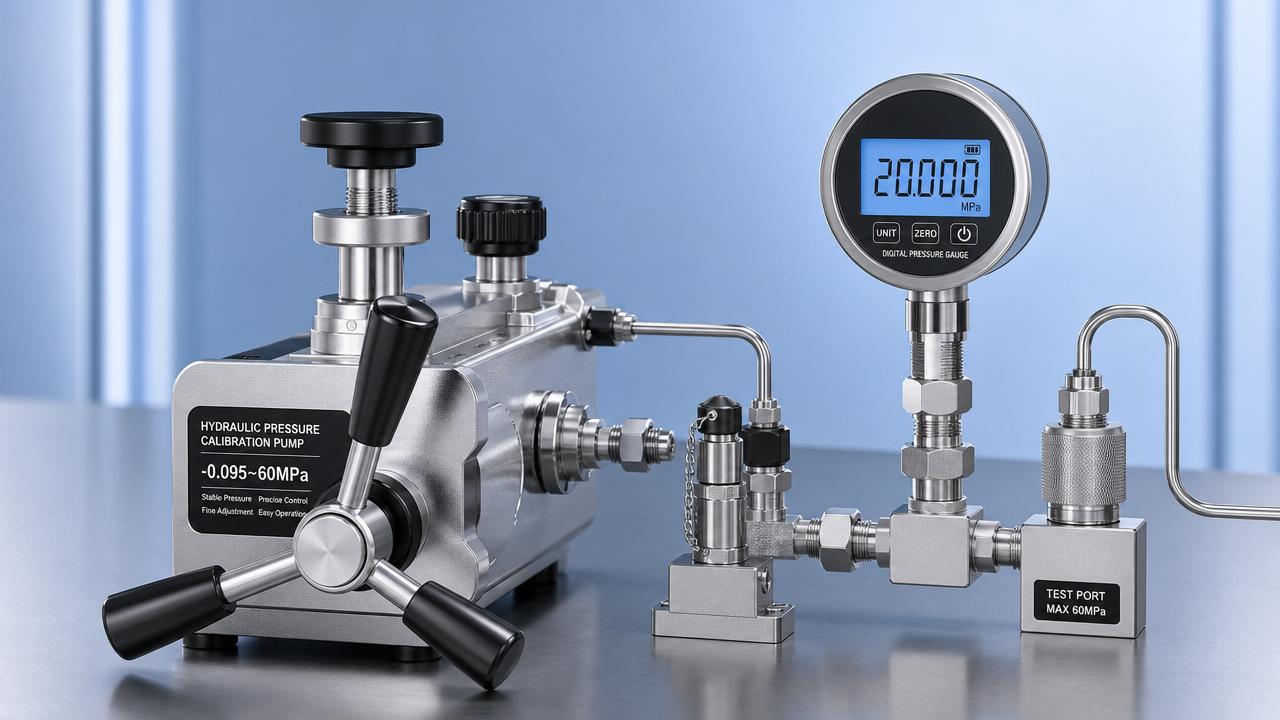
 How to Read Hydraulic Calibration Pump Specifications CorrectlyHydraulic calibration pump specifications explained clearly: learn how to assess pressure range, stability, fine control, and compatibility to choose the right pump with confidence.
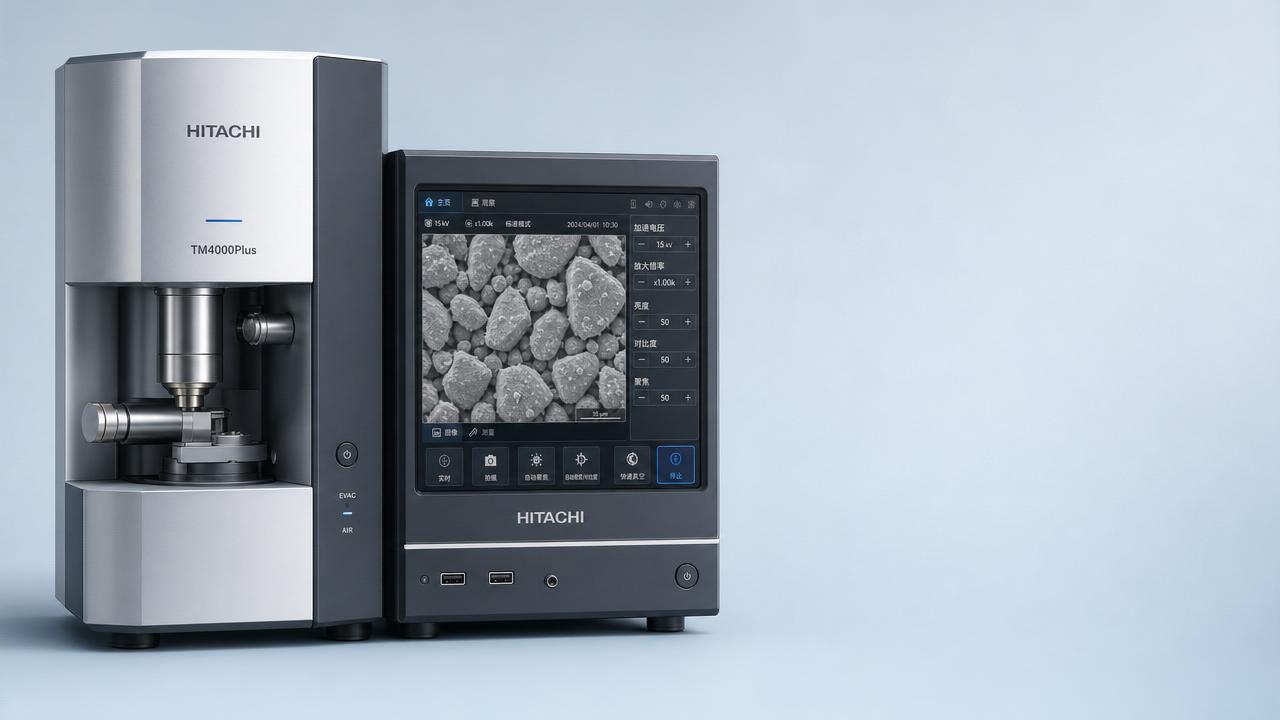
 Hitachi Benchtop SEM Sales Surpass 6,000 Units GloballyHitachi benchtop SEM sales exceed 6,000 units globally—driven by intuitive UIs, cryogen-free operation & one-click EDS. Discover why labs worldwide are choosing accessibility without compromise.
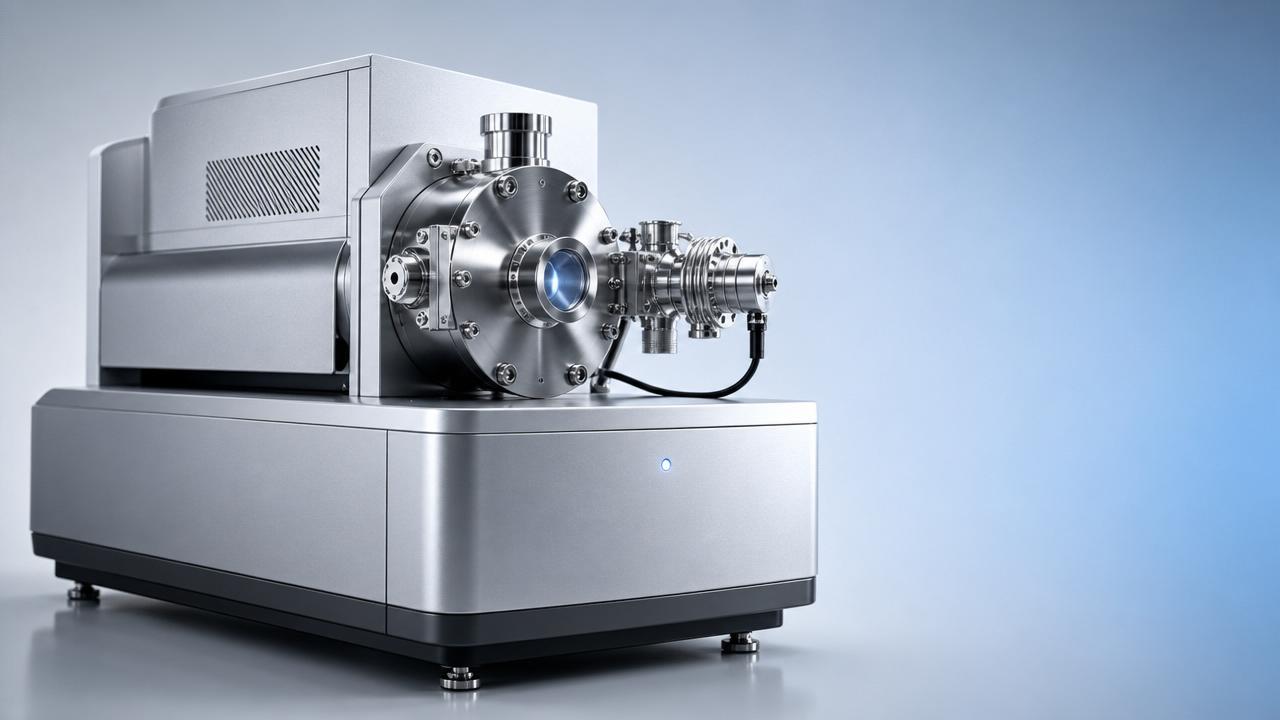
 First Domestic High-Resolution GD-MS Delivered CommerciallyGD-MS 3000: First domestic high-resolution GD-MS commercially delivered to Germany — validating trace impurity analysis for EU RoHS/REACH compliance in metals & semiconductors.
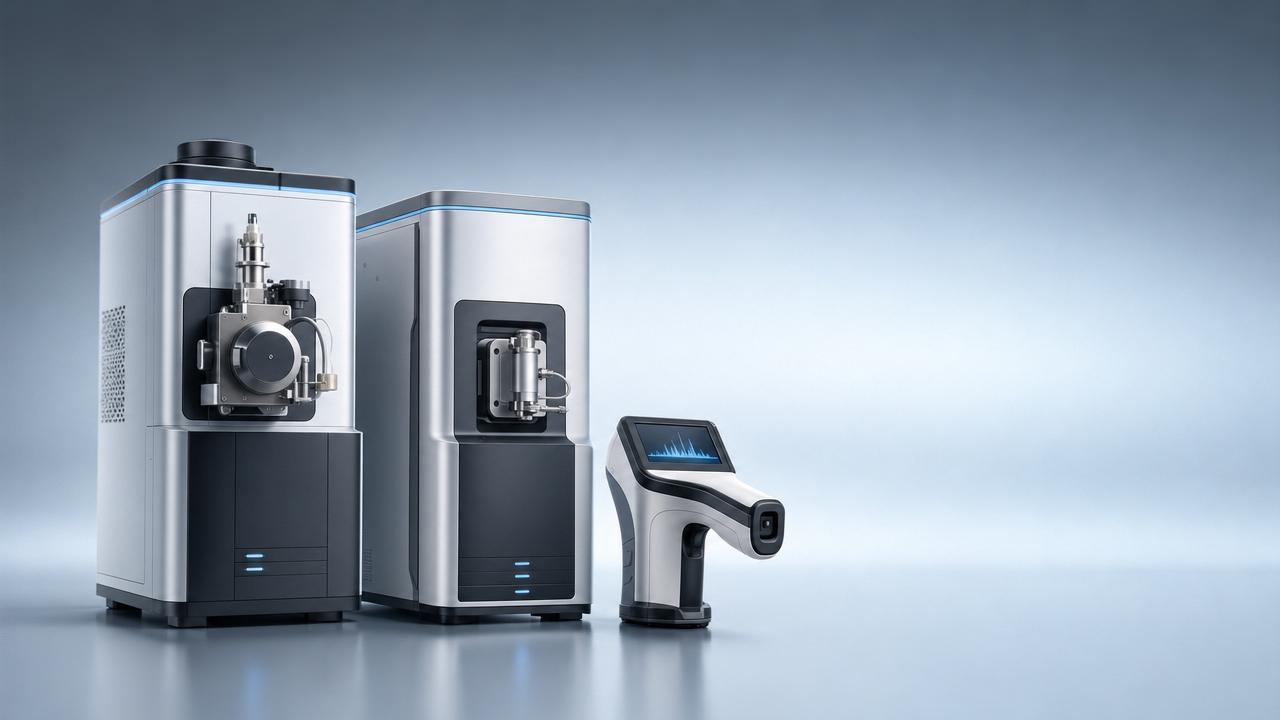
 CISILE 2026 Pre-Show Orders Exceed RMB 1.2B; Domestic Mass Spectrometers, Raman Spectrometers Gain TractionCISILE 2026 pre-show orders exceed RMB 1.2B—Chinese mass spectrometers & Raman spectrometers surge in global demand. Discover key export insights now!
![]() Laowa APS-C Fisheye Lens Launch: Industrial Imaging Export ExpansionLaowa APS-C fisheye lens launch: world’s first zoom fisheye for industrial imaging, VR capture & drone surveying — precision optics export expansion.
Laowa APS-C Fisheye Lens Launch: Industrial Imaging Export ExpansionLaowa APS-C fisheye lens launch: world’s first zoom fisheye for industrial imaging, VR capture & drone surveying — precision optics export expansion. MIIT Approves 690 New Industry Standards, Including AI Deep Synthesis Image System SpecificationMIIT's new AI Deep Synthesis Image System Specification impacts instrument manufacturers—learn how it affects smart gauges, thermal imagers & spectrometers for global markets.

Chat Online